

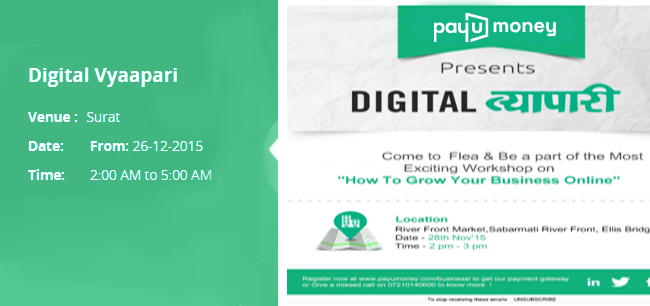
Thousands of events are organized everyday. Online commerce has given an entirely new dimension to the events industry. Selling and buying tickets online is an incredibly easy experience. Customers prefer booking tickets online which obviously inspires event organizers to leverage interesting tools and platforms which makes selling event tickets quick & easy.
Are you hosting an event soon? Use the PayU events tool & collect online payments!
Now you can setup your event quickly with the PayU events tool and start collecting online payments quickly & easily.
Here’s the easy setup guide for making your own events site with PayU:
- Login with your PayU merchant account credentials
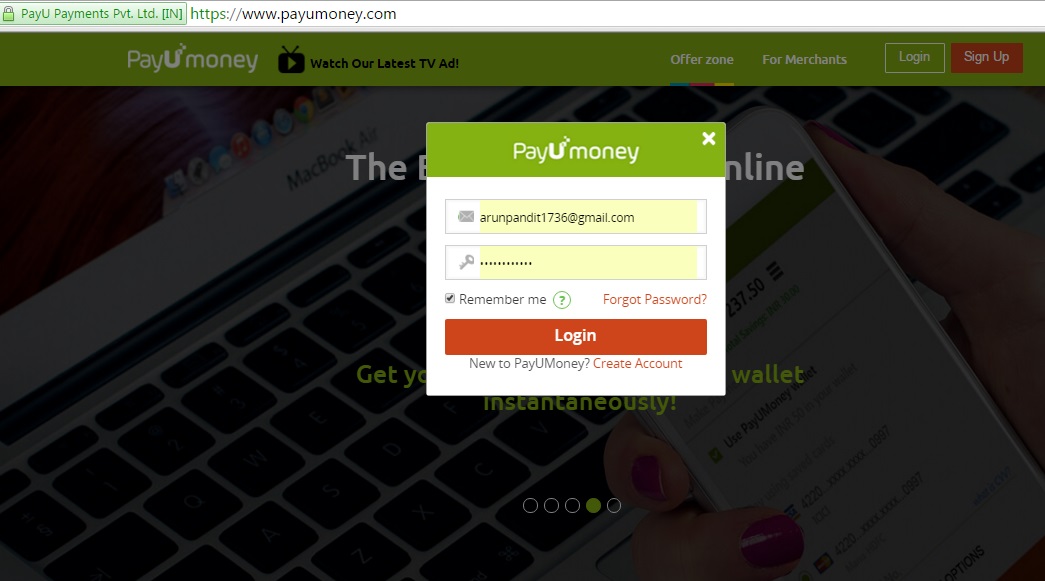
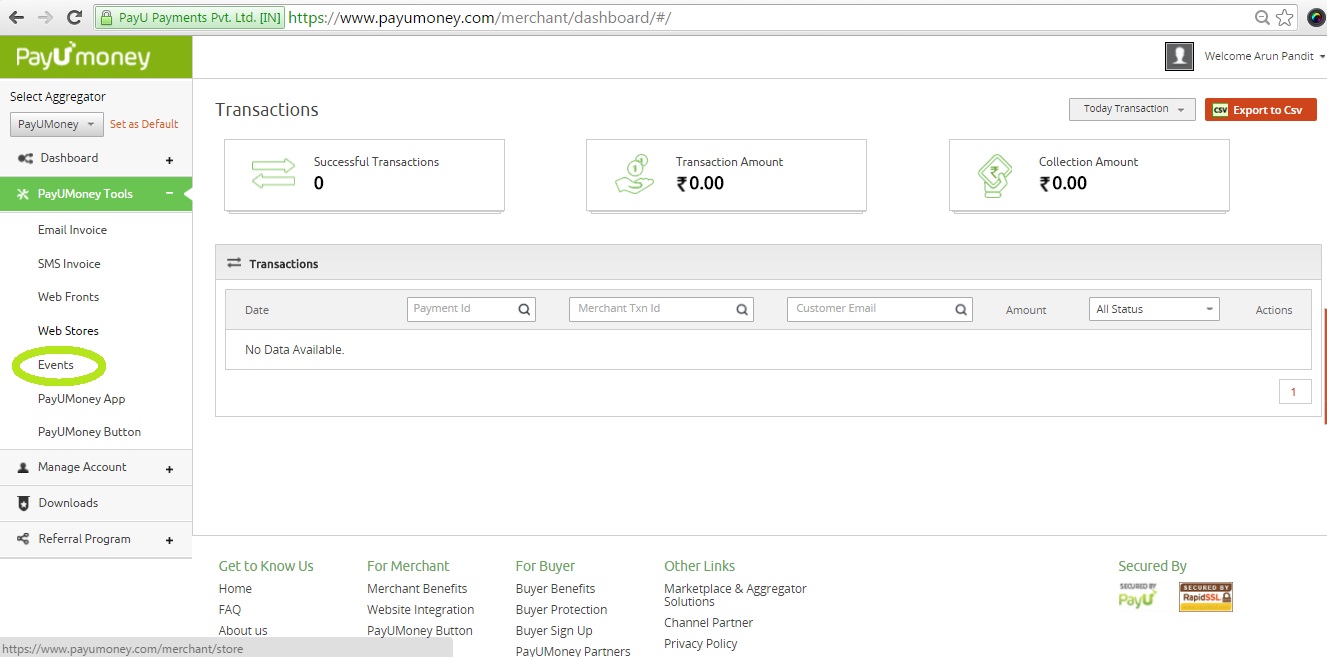
- On the merchant dashboard, select “ Events ” from the PayU tools on the left
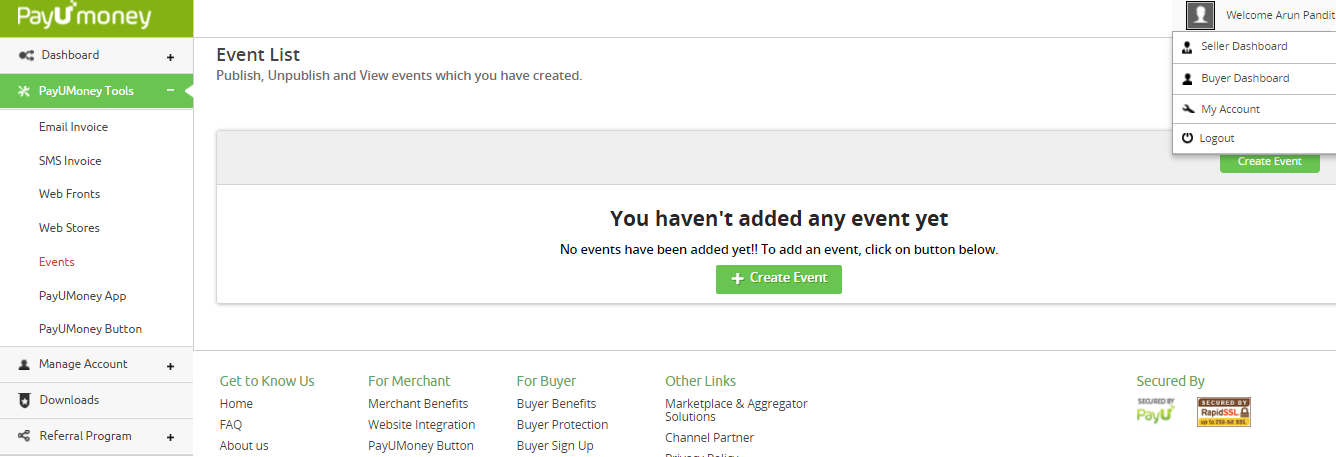
- Choose “Create event” to create your event
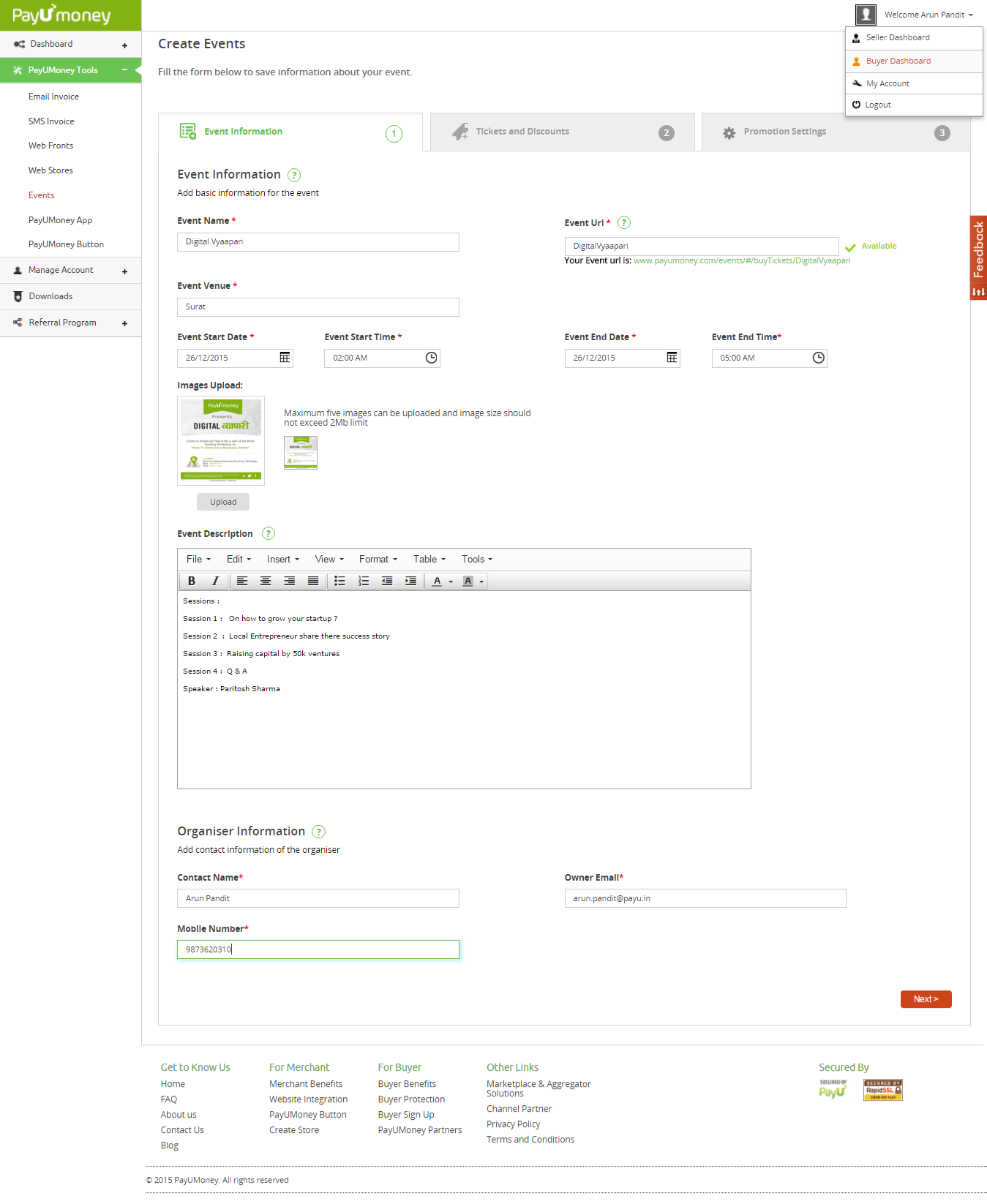
- Now you have reached the event information section. Enter details specific to the event like:
- Event name and URL
- Event venue, date and time
- Description and images
- Organizer information
Press next after filling the required information.
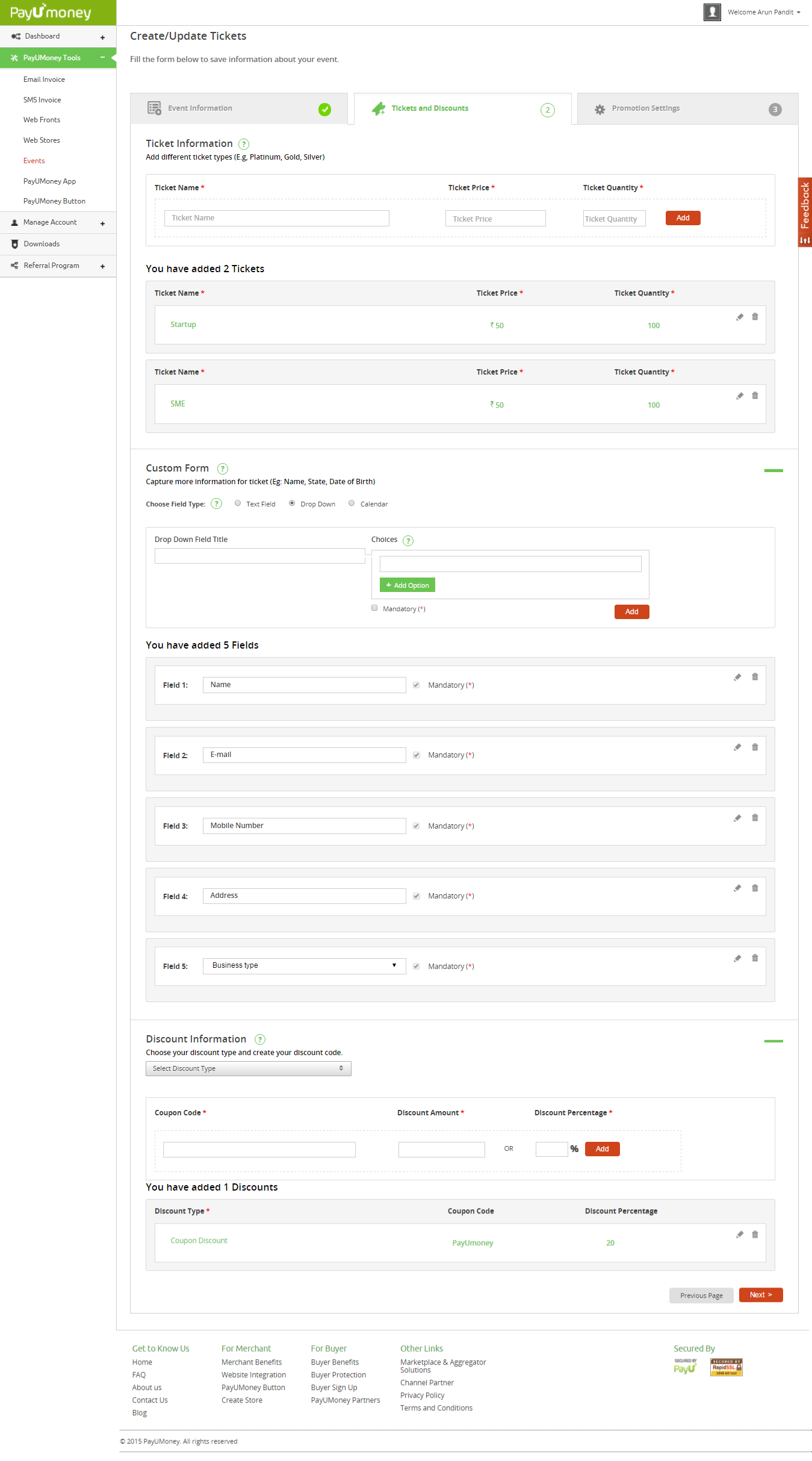
- The second section is about ticketing and discounts
- You can create various ticket categories like platinum, gold and silver .
- You can mention the number of tickets available in each category.
- You can select the information required by you from the customers e. name, address, e-mail, contact etc
- You can create custom discount coupon codes and offers for customers.
Press “next” after you’re through custom building your event
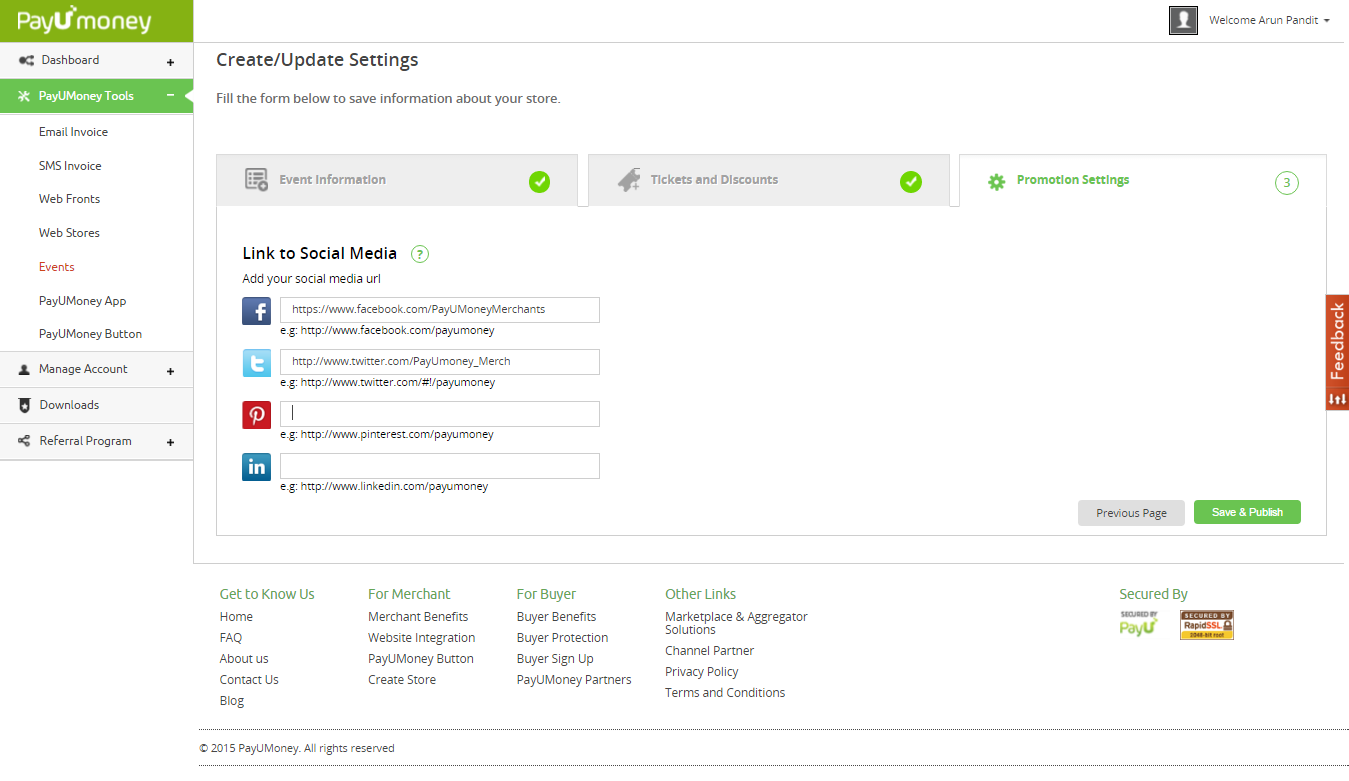
- Update the details of your social media handles for facebook, twitter, pinterest and Linkedin.
After adding the details press “Save & Publish” to go live with your event site
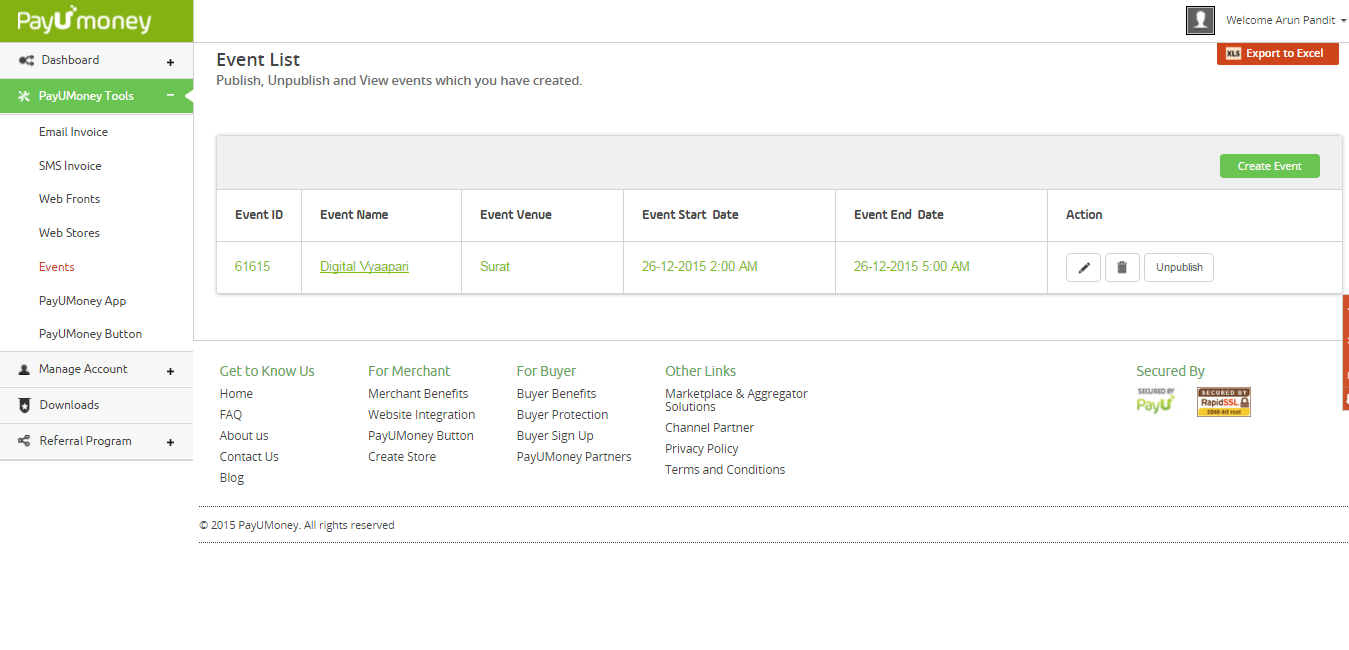
- Check out the details of your published events. Click on the event name to visit the URL of the event page
- You will now reach the events page. Your customers can buy tickets for your events from here
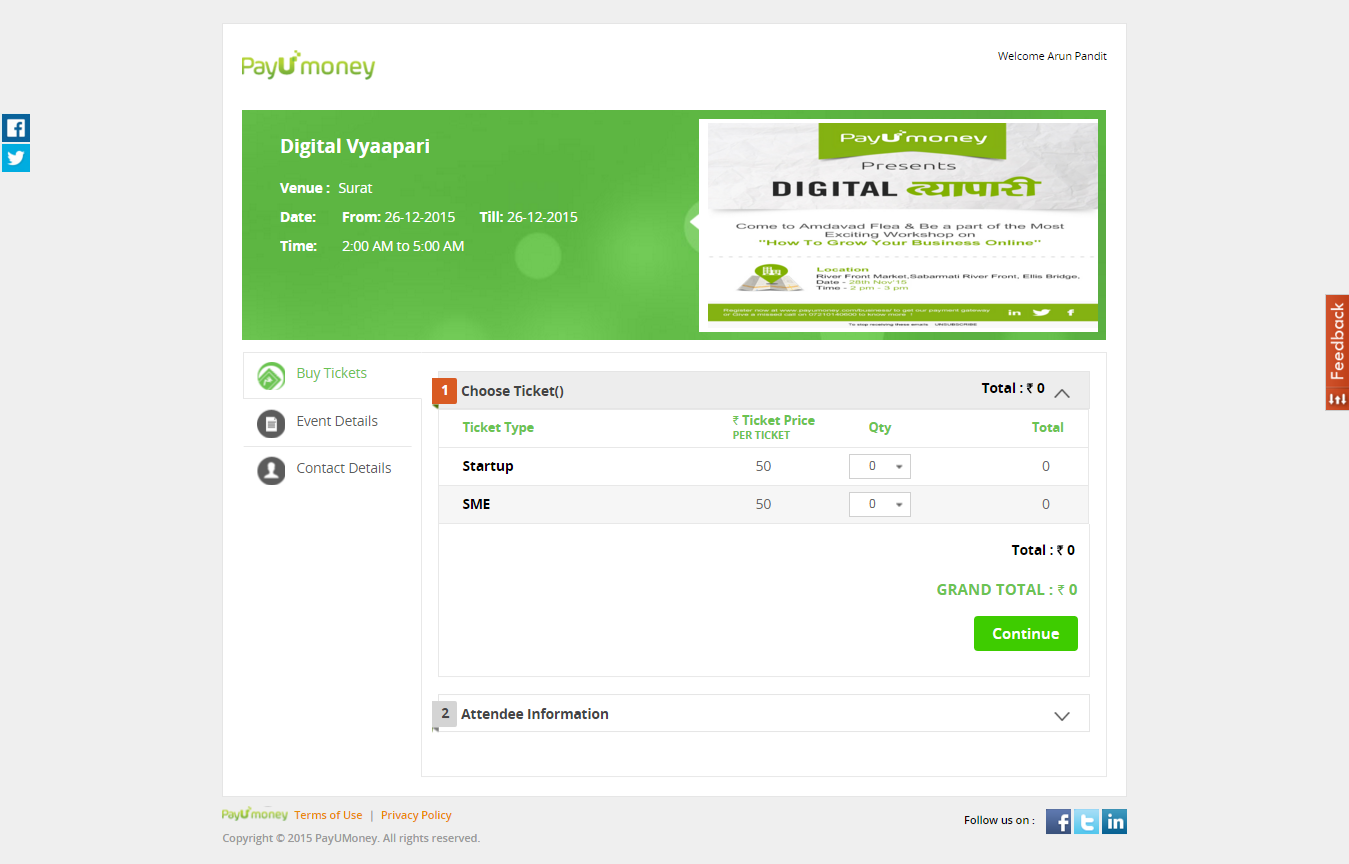
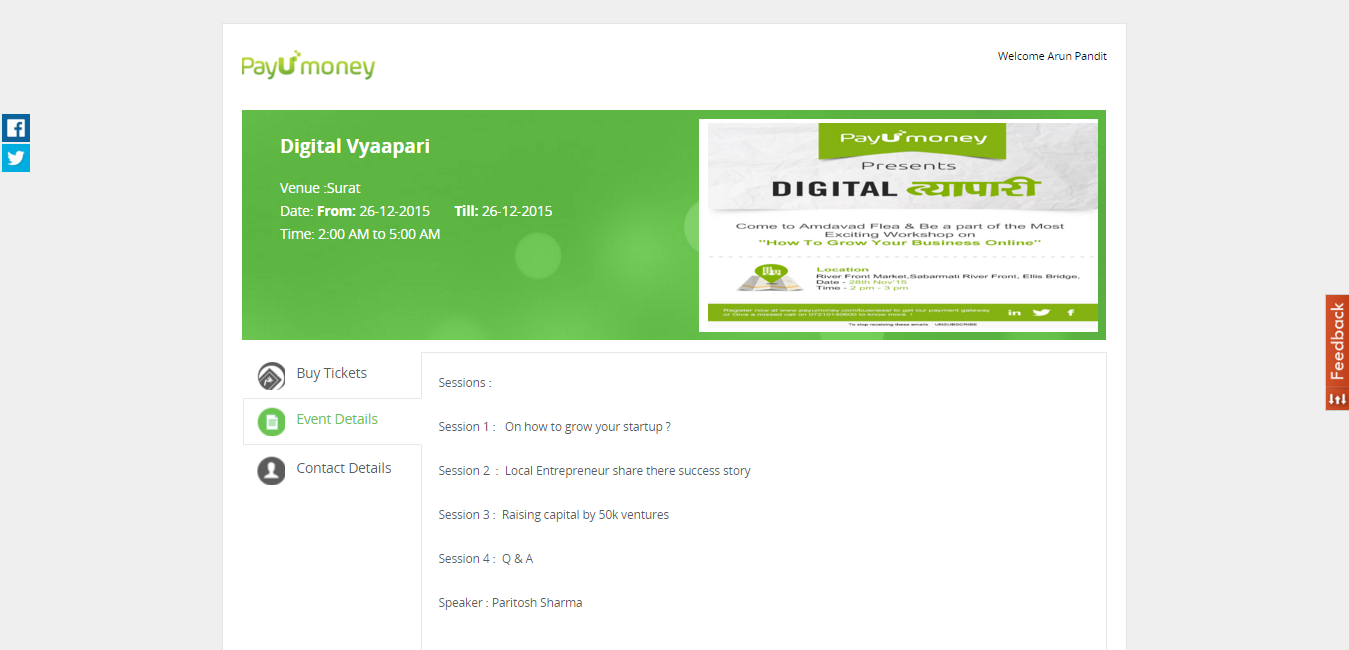
- Event details can be seen from the event details section on the page
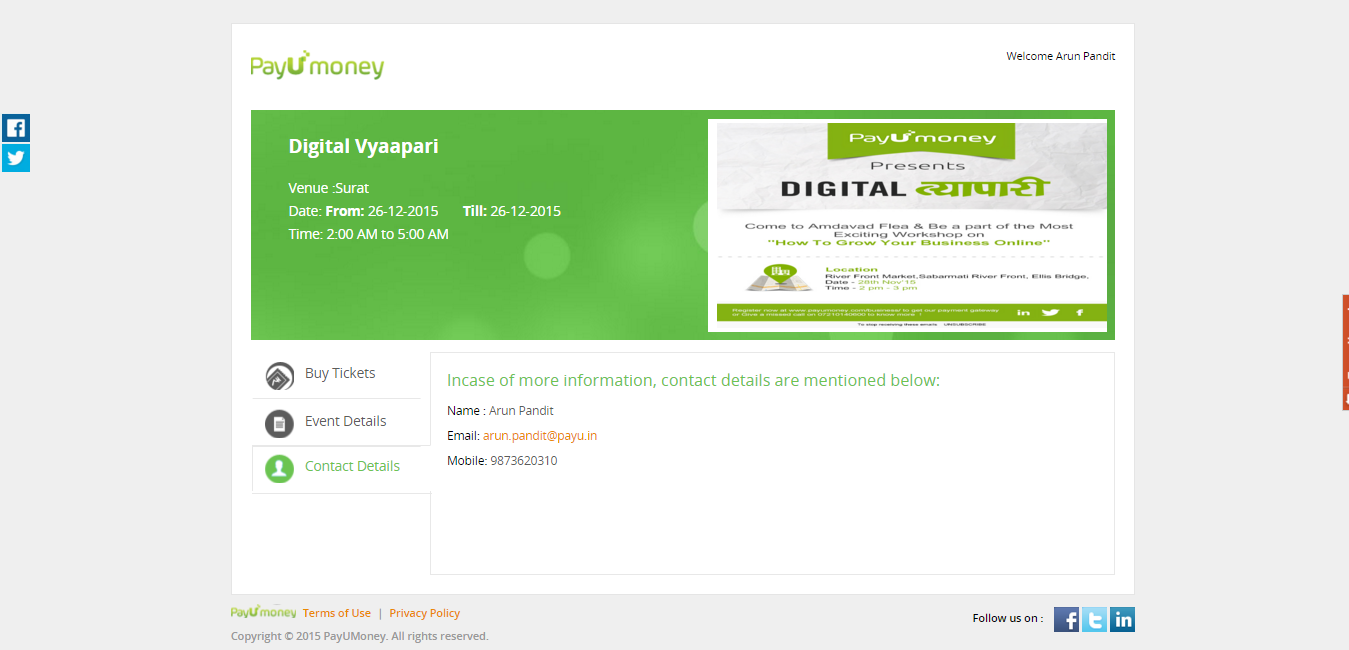
- Similarly the information of the organizers can be viewed from the contact details
Start selling tickets and collect payments online with your PayU account.
In case you don’t have a merchant account yet , Click here to register as a merchant on PayU. If you have further questions, these FAQ’s are a great resource.