
AI-Powered Summary
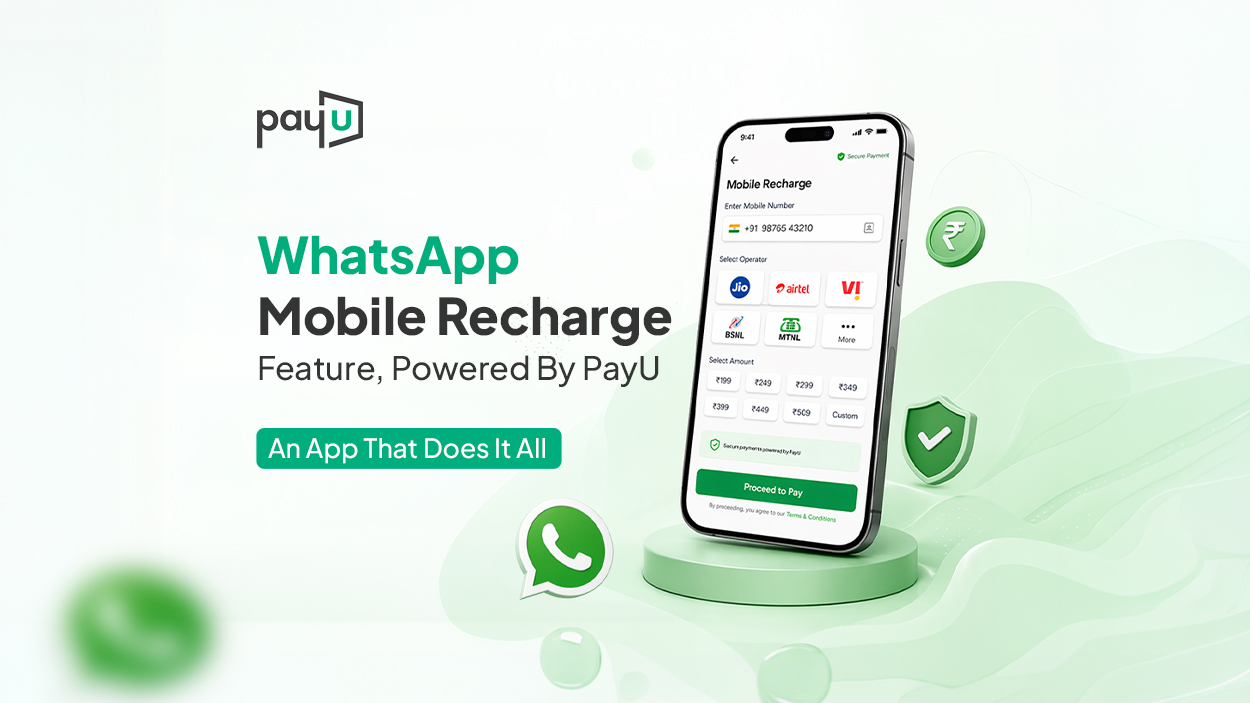
- WhatsApp now allows users to recharge their mobile SIM cards directly within the app, powered by PayU's payment gateway.
- This feature eliminates the need to switch between multiple apps for mobile recharges, offering a seamless and convenient experience.
- Users can access the recharge option by tapping the “₹” icon in WhatsApp, selecting “Mobile Recharge,” and following a few simple steps.
- The process includes choosing a linked number, browsing available plans, and completing the payment securely via PayU.
- This integration enhances WhatsApp's ecosystem, making it a one-stop solution for messaging, payments, and now mobile recharges.
What if there were an app that could do everything?
From chatting, video calling, and socializing, to using AI, sending money, and even running a business – all at once.
And now, imagine being able to recharge your SIM on it too, quickly and seamlessly, without even switching apps.
Sounds like a lot? It isn’t.
This is what WhatsApp now offers, with PayU powering the payment experience in the background.
Ease Your Life with WhatsApp, Powered by PayU
Think about how many apps you use in a day.
One for payments, another for bookings, and yet another for recharges. It might not seem like much at first, but constantly switching between apps adds inconvenience to even the simplest tasks.
WhatsApp started as a very simple messaging app – just connect with your friends and family, send pictures and videos, and add a profile picture. But then, it gradually started evolving into something much bigger than just that. WhatsApp has turned into a different ecosystem. You can complete tasks like generating an image with Meta AI or running business accounts by adding a catalogue and links through WhatsApp.
Later, it also integrated a complete system of payments, where, just like chatting, you can pay within a chat.
For metro bookings, you had to switch between different booking or payment apps. And, WhatsApp resolved that issue as well.
But what was missing was something as simple as mobile recharges. Downloading multiple payment apps or SIM card apps in order to recharge your prepaid SIM sounds complicated. All you are doing is just adding a lot of data to your phone, that you hardly need.
And this is what WhatsApp, in collaboration with PayU, has now changed for you – you can now recharge your SIM cards directly within WhatsApp, with PayU enabling the payment processing behind the scenes.
Now, Recharge Your Mobile on WhatsApp
There’s a moment most of us can relate to.
You’re already on WhatsApp, chatting with someone, and suddenly you receive a notification, “90% of your data consumed, recharge now”. Earlier, this meant leaving the app, opening a different payment or telecom app, searching for the right plan, completing the payment, and then coming back.
It was a small task, but with a lot of complications steps.
Now, with WhatsApp, recharging is uncomplicated, quick, and seamless.
WhatsApp now enables you to recharge your mobile directly within the app – just like you would send a text message. No need to download multiple apps or switch screens – just seamless recharge portal within the app you already use every day.
Here’s How Mobile Recharge on WhatsApp Works
The process is simple and familiar:
- Open WhatsApp chats on your Android or iOS device.
- On the top bar, tap on the “₹” icon.
- The payments interface will open on your screen.
- Scroll to find the “Recharge” section and select “Mobile Recharge”.
- You will see a list of numbers linked to your WhatsApp, including your own.
- Select the number you want to recharge.
- Browse through available plans – data, unlimited, top-up, and more.
- Choose a plan and tap on “Select This Plan”.
- Review the bill summary and tap on “Continue”.
- Select your preferred payment method.
- Complete the payment securely via PayU’s payment gateway within WhatsApp. And your recharge is done – in just a few steps.